Jira
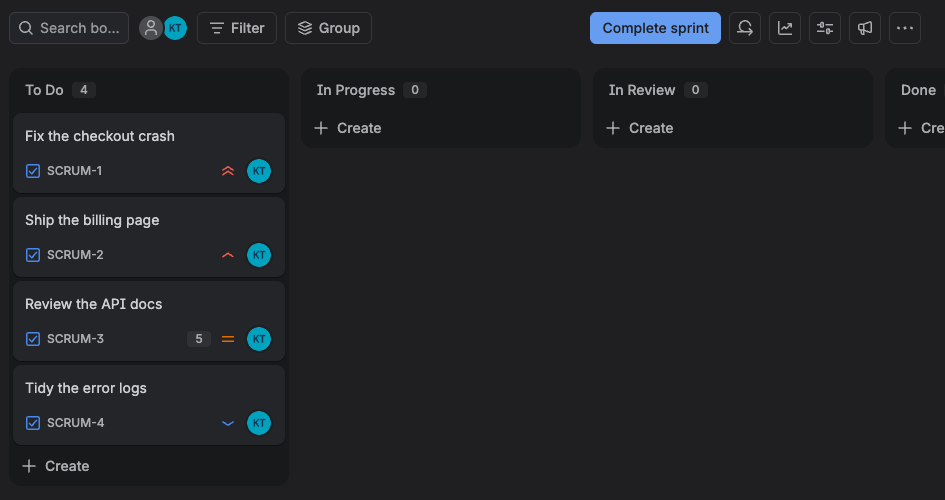
Your assigned issues from the open sprint, scheduled into the calendar that already holds your meetings.
What Diarized reads
- How long it takes
- The issue's time estimate, if your administrator turns time tracking on. If not, Diarized uses story points at a rate you set, and one point is one hour. With neither, the issue books 30 minutes.
- How urgent it is
- Your scheme's priority names, mapped as closely as possible. Jira has five levels and Diarized ranks four, so Low and Lowest share the bottom rank.
- When it is due
- The issue's due date, if your team sets one. Many teams set no due date, and the sprint does this work.
- How to mark it done
- Transition the issue in Jira, or use the “Mark done” link in the block.
What gets scheduled
Issues assigned to you in an open sprint. If a project has no board, Diarized reads everything assigned to you. The settings page has a switch for teams with boards who want the rest booked too.
Worth doing
- Start the sprint. A sprint that you do not start returns nothing and no error, and the account looks empty.
- An Atlassian login can reach several sites. Diarized reads issues from one site, so pick the correct site at setup.
The one thing to know
Jira Cloud only. Server and Data Center sign in a different way, and Diarized does not support them. The connection card says this, so you do not find it at the consent screen.